This guide walks you through setting up OpenClaw inside an Upstash Box.
1. Create a box
Create a box with default settings. See the quickstart if you haven’t created one before.
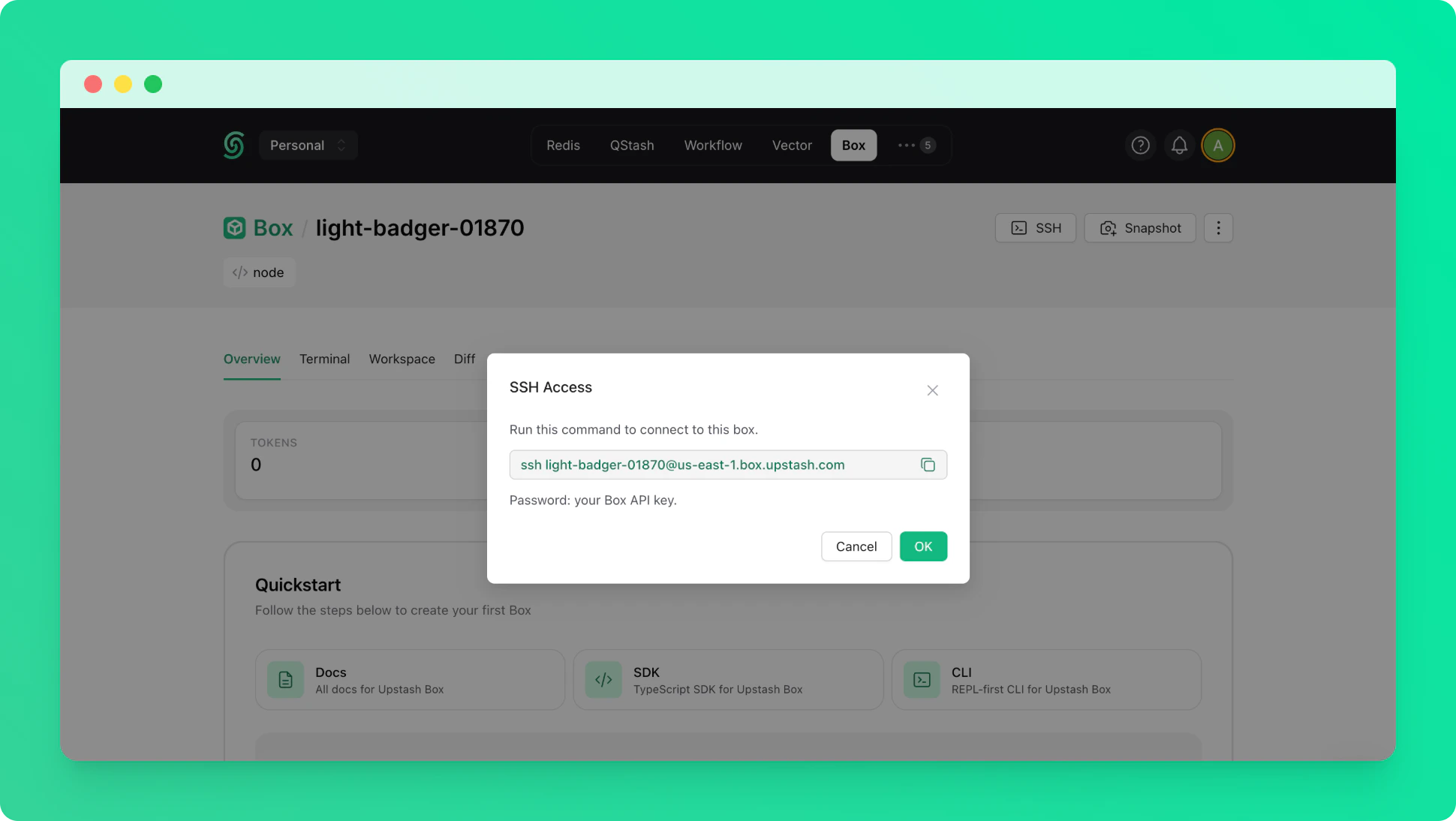
2. Connect via SSH
Once the box is running, connect to it via SSH from your terminal. Use your Box API key as the password when prompted.
3. Install OpenClaw
Install the OpenClaw CLI globally inside the box.
sudo npm install -g openclaw@2026.3.24
2026.3.24 is the latest stable version. The newest release has known issues — we recommend staying on this version until they are resolved.
4. Run onboarding
Start the interactive onboarding wizard. The CLI will guide you through provider selection, authentication, and gateway configuration.
openclaw onboard --install-daemon
5. Start the gateway
Once onboarding is complete, start the OpenClaw gateway.

